|
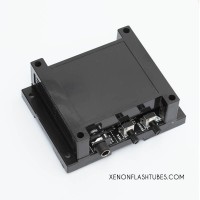
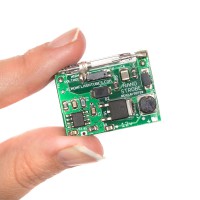
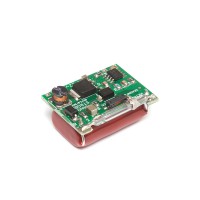
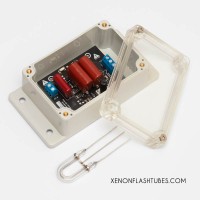
Model: OPTICAL-SLAVE
DIY Assembly kit !
WARNING: This kit involves High Voltage up to 300v which is stored in big capacitors even long after turning the unit off. THIS VOLTAGE CAN KILL YOU INSTANTLY. Never touch any of the components and always discharge the capacitor before working on it. Always keep in a well insulated project enclosure.
BY FOLLOWING THESE INSTRUCTIONS YOU AGREE TO BE THE ONLY RESPONSIBLE FOR ANY DAMAGE THAT MIGHT BE CAUSED BY DOING SO. WORK CAREFULLY AND FOLLOW WARNINGS
Parts List
- R1: 1K (Brown Black Red Gold); R2: 5.1M (Green Brown Green Gold); R3: 15K (Brown Green Orange Gold); R4: 10M (Brown Black Blue Gold)
- C1: 0.01uF (marked 103); C2: 0.047uF 630v (marked 473); C3: 450v 220uF\1000uF (depending on your version)
- D1: 1N4937 Fast 1A 600v; LED1: TOPS-050 Photo Transistor (black color LED)
- Q1: 2SD882; Q2: MCR100L
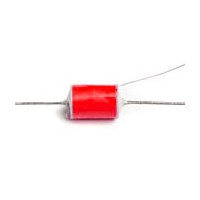
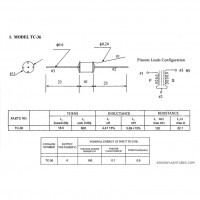
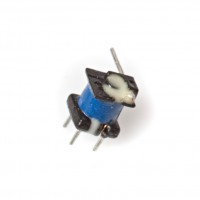
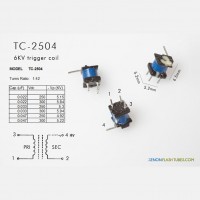
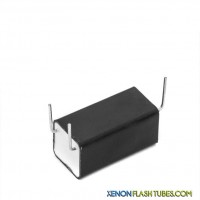
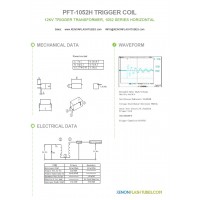
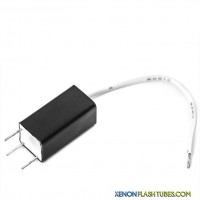
- T1: T-1610-6v square transformer; T2: TC-36 round trgger coil
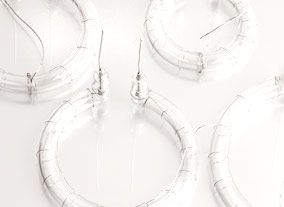
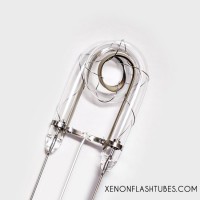
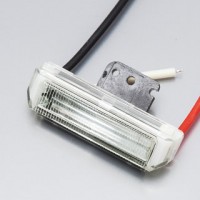
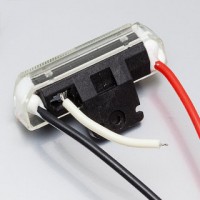
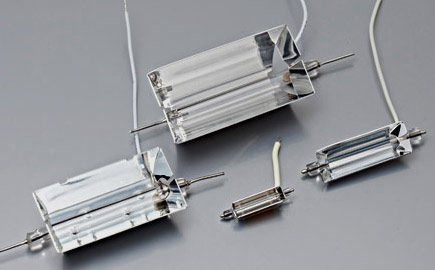
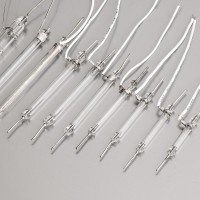
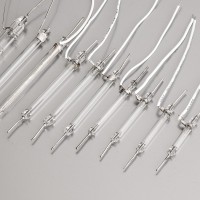
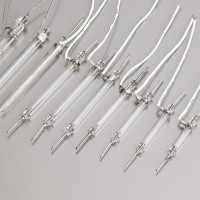
- Misc- SW1: 2-POS switch FT1: Xenon flash tube (U-shape)
Step 1: Place small components
According to the part list, identify R1-R4 using the given color codes or refer to the image below.
Place R1,R2,R3 and R4 on the PCB, polarity doesn't matter.
Go ahead and place C1 and C2. quite simple: C1 is the orange disc shape component, and C2 is the rounded-corners-square green component marked "473".
Now solder them all in place and clip the excessive legs off the solder side.

Step 2: Continued
Now pay attention: insert the D1 diode into it's place, while the diode's marked white side is oriented to the PCB's marked bold white stripe.
Same for LED1, place it into the PCB, with its flat side to the PCB's marked flat side, like explained in the picture below.
Now for Q2 - it is the small black transistor half-round shape - place it into the PCB while its flat side is facing the flat side of the marking.

Step 3: Transformer
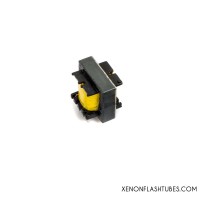
Take the T1 square yellow transformer which has 5 pins (T-1610) and place it, should snap in easily, and solder it.
Q1 is the rectangle flat transistor. find its metallic side, and place it into the PCB with the metallic side facing the big transformer. The transistor's marking should be visible to you.
And lastly, the little switch SW1, which comes right in front of the Q1 transistor:

Step 4: Trigger coil and Flash Tube
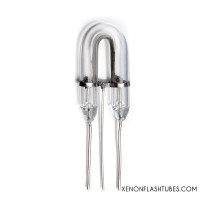
By now you should now have only 3 components left: the Trigger coil (yellow, 3 wires) , the U-shape flash tube, and the big capacitor.
The trigger coil T2 should be soldered with the 2-wires side facing down the PCB. the center thick wire
going into the hole in the center of the round PCB marking, and the very thin wire at the same side of the coil is going to the small hole right below the circle.
The remaining third leg facing upwards, should be bent down 180 degrees and
should be soldered in the nearest hole on the right.
Now
solder the FT1 flash tube, while each of the wires snaps easily into their place near the Trigger coil:

Step 5: BIG power !
Place the BIG capacitor C3 into the PCB while the NEGATIVE PIN IS MARKED BY A WHITE STRIPE ALONG IT.
Polarity is extremely important here.
so the marked side of the capacitor faces the "-" side of the PCB marking.
Step 6: Solder your power source
If you ordered a battery holder, or want to use a wall adapter, you can solder them directly to the PCB, according to the + and - markings.
Don't forget it will accept a voltage of around 5v - 6v
.
SAFETY GUIDELINES:
- Use a project enclosure for the finished circuit
- Never touch any of the components or any other conductive surface EVEN AFTER DISCONNECTED form power !
- Always monitor the big capacitor voltage using a voltmeter if you are unsure !
- Always empty the capacitor before working on the circuit. either trigger a flash after disconnecting power, or by CAREFULLY connecting a 100K resistor
between capacitor's terminals (dont touch it !), and monitor with voltmeter.
Done ! now you can power it.
Troubleshooting :
There are very few things that can go wrong here. please check that:
- Have you soldered D1 diode with the white marking towards the thick marking on the PCB ?
- Have you soldered LED1 with the flat side in the direction of the flat line on the PCB ?
- Have you soldered Q1 with the metallic part facing the yellow transformer ?
- Have you soldered Q2 with the flat side facing the flat mark on the PCB ?
- Have you soldered C3 big capacitor with the negative marking (long white strip) to the "-" marking on the PCB ?
- Have you switched ON the SW1 switch ?
- Are you sure your batteries are fully charged or your power source is working ?
|